The holiday shopping season is the golden hour for eCommerce stores. But with fierce competition, you need an edge that grabs attention and improves customer experience. Enter variation swatches for WooCommerce—a revolutionary way to enhance your product pages and simplify how customers choose product variations.
If you’re still relying on boring dropdown menus for product options, it’s time to upgrade. Let’s dive into how WooCommerce variation swatches can transform your store for the holiday rush and beyond.
What Are Variation Swatches for WooCommerce?
Variation swatches for WooCommerce allow you to replace standard dropdown menus with interactive swatches, such as:
- Radio buttons
- Color blocks
- Image previews
- Text labels
For instance, instead of showing a dropdown list for t-shirt sizes or colors, you can display clickable buttons or images. This makes shopping more intuitive and visually appealing.
Why Use Variation Swatches for WooCommerce During the Holidays?
1. Faster Decision-Making
Holiday shoppers are in a hurry. By displaying options like colors, sizes, or materials visually, customers can quickly make choices without navigating dropdowns.
2. Enhanced User Experience (UX)
Interactive swatches reduce friction in the shopping process. Better UX translates to higher satisfaction and, ultimately, increased sales.
3. Higher Conversions
The more engaging your product pages are, the longer customers stay. This leads to improved conversion rates, especially during high-traffic periods like Black Friday and Christmas sales.
Features of WooCommerce Variation Swatches Plugin
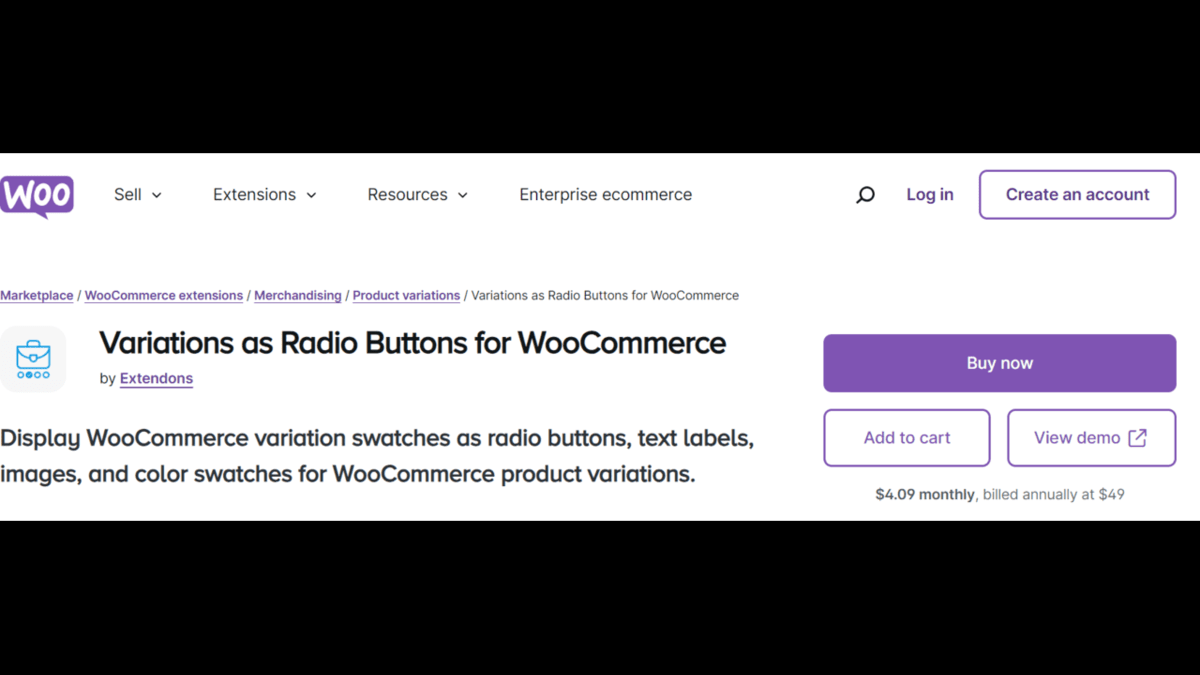
Let’s explore the powerful features of a robust WooCommerce product variations plugin like Variations as Radio Buttons for WooCommerce by Extendons.
Replace Dropdowns with Swatches
Dropdown menus can be tedious. Swatches allow you to display:
- Colors (e.g., red, green, blue)
- Images (e.g., fabric types or patterns)
- Text labels (e.g., “Small,” “Medium,” “Large”)
- Radio buttons
This makes the selection process smoother, especially for mobile users.
Customizable Swatch Types and Sizes
One size does not fit all. With this plugin, you can customize swatch shapes (round or square) and sizes to match your store’s design. You can even use different swatch styles for product and shop pages.
Highlight Variations with Images
Showcase product variations with image swatches directly on the shop page. Customers can preview different variations by hovering or clicking, saving time and creating a more interactive experience.
Out-of-Stock Management
Avoid customer frustration with clear out-of-stock indicators. Options include:
- Hiding unavailable variations
- Blurring or crossing out out-of-stock options
- Displaying tooltips for more details
Display Swatches Across Pages
This plugin doesn’t stop at product pages. You can also showcase variation swatches on your shop page, making it easier for customers to explore all options at a glance.
Add Borders and Tooltips
Make your swatches stand out with custom borders or tooltips. For instance, hover over a color swatch to see its name (“Ocean Blue”). This small touch enhances usability and aesthetics.
Also, check out the useful insight about the WooCommerce Mini Cart Plugin to enhance your store’s shopping experience!
How to Set Up Variation Swatches for WooCommerce
Here’s a step-by-step guide to implementing this plugin:
1. Install the Plugin
Download and activate the Variations as Radio Buttons for WooCommerce plugin by Extendons.
2. Configure Global Settings
Under the WooCommerce settings, customize the general appearance of swatches:
- Choose swatch type: colors, images, or text.
- Set default shapes (round or square).
- Adjust tooltip and border options.
3. Customize Per Product
If needed, you can override global settings for specific products. For example:
- Add unique swatch shapes for premium items.
- Use specific colors or images for seasonal products.
4. Preview Changes
Check how the swatches appear on your product and shop pages to ensure they align with your store’s theme.
Benefits of Using Variation Swatches for WooCommerce
1. Streamlined Shopping Experience
Visual selection reduces the effort customers need to make choices. This leads to fewer abandoned carts.
2. Better Mobile Usability
Dropdown menus can be tricky on smaller screens. Swatches make it easy for mobile users to select options with a single tap.
3. Increased Sales and Revenue
Improved UX and higher engagement mean more sales. With the holiday shopping rush, every second counts.
4. Professional and Modern Look
Interactive swatches give your store a polished, high-end feel.
Use Cases for WooCommerce Variation Swatches
1. Apparel Stores
Display color and size options as clickable swatches for t-shirts, dresses, and accessories.
2. Home Décor & Furniture
Showcase fabric patterns, wood finishes, or cushion colors visually.
3. Electronics
Offer swatches for device models, colors, or storage capacities.
4. Jewelry Stores
Let customers preview gemstone types, metal colors, or bracelet sizes.
FAQs About WooCommerce Variation Swatches
1. What are variation swatches for WooCommerce?
Variation swatches replace dropdown menus with visual options like color blocks, images, or text labels, making it easier for customers to choose product variations.
2. Can I use swatches for all product types?
Yes! This plugin supports all WooCommerce variable products, from apparel to electronics.
3. Does it work on mobile devices?
Absolutely. The swatches are mobile-responsive, ensuring a seamless shopping experience across all devices.
4. Can I hide unavailable variations?
Yes. You can blur, cross out, or hide out-of-stock options to avoid confusion.
5. Does it support tooltips?
Yes, you can enable tooltips to show additional information about swatches.
Why Choose Extendons’ Variation Swatches Plugin?
Extendons delivers a feature-packed solution for creating engaging product pages. Their Variations as Radio Buttons for WooCommerce plugin allows you to:
- Enhance user experience with customizable swatches.
- Display options in a visually appealing way.
- Boost conversions with interactive product pages.
With holiday shopping in full swing, this plugin can make your store stand out and drive sales.
Conclusion
Don’t let outdated dropdown menus hold your store back during the busiest shopping season. Variation swatches for WooCommerce are more than just a visual upgrade—they’re a powerful tool to boost customer engagement and sales.
By replacing dropdowns with swatches, you create a modern, user-friendly experience that keeps shoppers coming back. Whether you sell apparel, electronics, or home goods, the right WooCommerce product variations plugin can make all the difference.
This holiday season, let your store shine with Extendons’ Variations as Radio Buttons for WooCommerce. It’s time to transform browsing into buying!
Ready to revolutionize your product pages? Install the Extendons plugin today and watch your holiday sales soar!