In the competitive world of eCommerce, offering a personalized checkout experience can set your WooCommerce store apart. By customizing checkout fields, you can capture essential information, streamline the purchasing process, and ultimately improve customer satisfaction. The WooCommerce Custom Checkout Fields plugin provides the tools you need to edit and tailor your checkout fields without any coding knowledge.
Capture Additional Information
One of the key benefits of customizing checkout fields is the ability to collect specific information from customers during the purchase process. Whether you need additional data for shipping, special requests, or marketing purposes, the WooCommerce Checkout Fields plugin enables you to gather this information seamlessly. You can create fields that ask customers for details like gift messages, delivery instructions, or preferences that can help you enhance the customer experience.
Apply Conditional Fields Logic
Not all customers require the same checkout process. With conditional fields logic, you can display or hide certain fields based on customer inputs, creating a dynamic and responsive checkout experience. For example, if a customer selects “Gift Wrapping,” you can automatically display additional options like gift wrap styles or personalized messages. This not only simplifies the checkout process but also increases the likelihood of upselling additional services or products.
Improve Checkout Experience
A smooth and efficient checkout process is critical for reducing cart abandonment rates. By editing and customizing checkout fields, you can remove unnecessary steps, reorganize information, and make the checkout process more intuitive. The result is a faster, more customer-centric checkout experience that can lead to higher conversion rates.
Modify Default Checkout Fields
The default WooCommerce checkout fields may not always align with your store’s needs. With the WooCommerce Custom Checkout Fields plugin, you can easily edit, delete, update, or rearrange these fields to suit your preferences. Whether you want to remove redundant fields or add new ones, the drag-and-drop interface makes it simple to customize the checkout layout.
Optimize Checkout Experience with WooCommerce Conditional Checkout
The WooCommerce Custom Checkout Fields plugin is a powerful tool that allows you to edit checkout fields effortlessly. This plugin enables you to add custom fields to different checkout sections, including Billing, Shipping, and Additional Information. You can also rearrange these fields using a user-friendly drag-and-drop feature.
Assign Conditional Fields
The plugin allows you to assign conditional fields to specific products, categories, or user roles. This flexibility lets you tailor the checkout process to different customer segments. Additionally, you can use the plugin to upsell by adding a field price for extra services like gift wrapping or expedited shipping.
Variety of Field Types
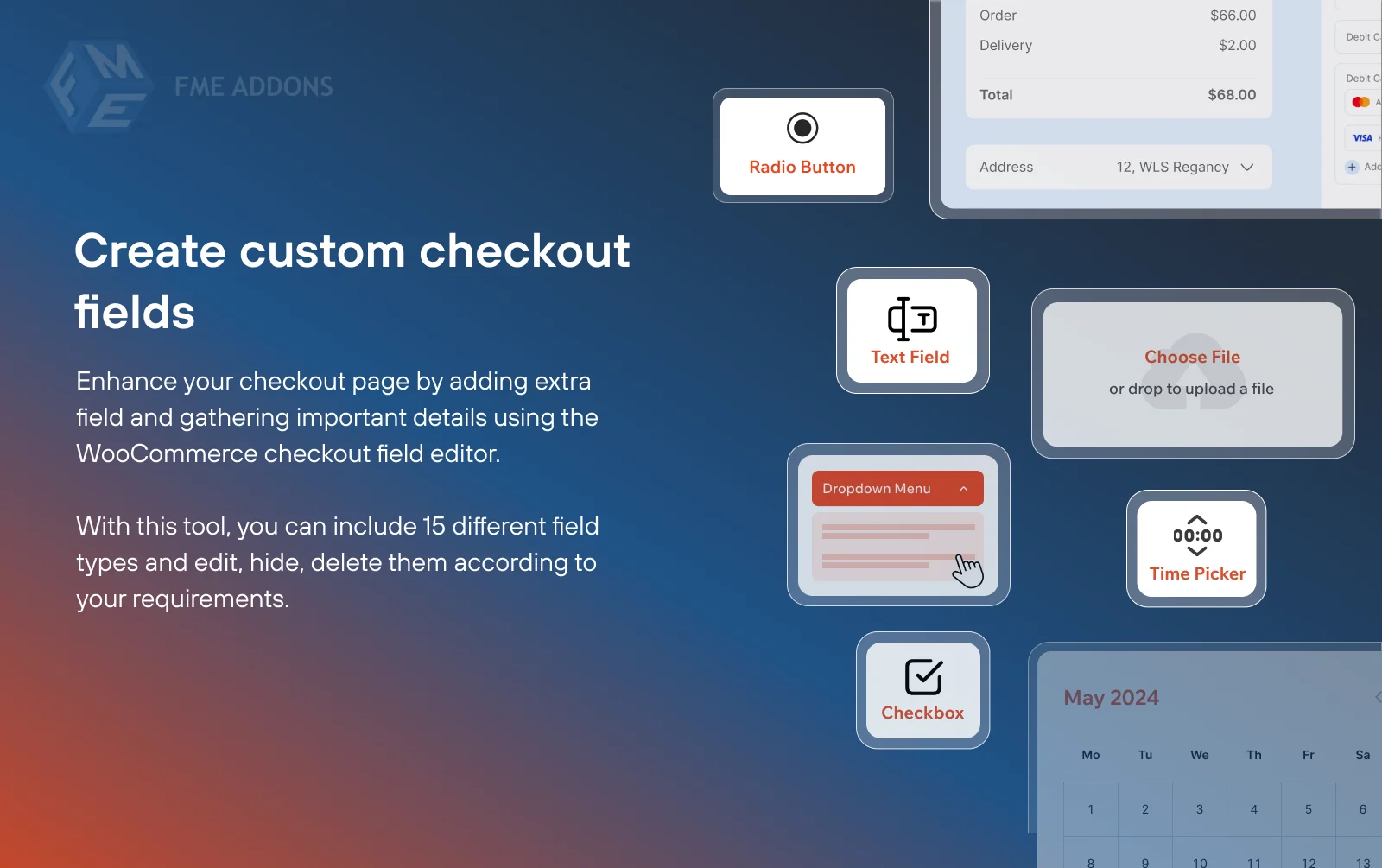
The WooCommerce Custom Checkout Fields plugin offers a wide range of field types, giving you the flexibility to create a fully customized checkout experience. You can choose from 15 different field types, including:
- Text Field
- Text Area
- File Upload
- Drop-Down
- Radio Button
- Checkbox
- Simple Checkbox
- Multiple Select
- Date Picker
- Time Picker
- Color Picker
- Phone Number
- Number
- Paragraph (display only)
- Heading (display only)
Create Custom Checkout Fields
Adding additional fields to your checkout page is easy with the WooCommerce Custom Checkout Fields plugin. You can create custom fields, edit existing ones, and apply conditions based on customer input. This flexibility ensures that you can capture all the information you need while providing a personalized checkout experience.
Personalize All Sections of the Checkout Page
The plugin enables you to modify every section of the checkout page, including Billing, Shipping, and Additional Information. You can add, edit, or remove fields in these sections, allowing you to create a checkout process that aligns with your store’s branding and customer needs.
Display Checkout Fields for Specific User Roles
With the WooCommerce Custom Checkout Fields plugin, you can display or hide custom checkout fields based on user roles. This feature is particularly useful if you want to offer different checkout experiences for retail customers, wholesalers, or VIP members. By tailoring the checkout process to specific user roles, you can enhance the overall customer experience and ensure that each customer segment receives relevant options.
Set Price for Each Custom Checkout Field
One of the standout features of the WooCommerce Custom Checkout Fields plugin is the ability to set a price for each custom field. For instance, if a customer opts for gift wrapping, you can charge an additional fee for this service. This feature not only provides a personalized experience but also opens up new revenue streams for your store.
Repeat Checkout Fields Based on Conditions
The WooCommerce Checkout Field Editor also allows you to repeat fields based on product quantity or cart count. For example, if a customer has multiple items in their cart, you can display a specific field multiple times, ensuring that you capture all necessary information for each item. You can also set the label suffix for these fields, such as alphabetical or numerical labels.
Show Checkout Fields in Order Details and Invoice Emails
The plugin enables you to showcase or hide custom checkout fields in the order details page and invoice emails. This feature ensures that all relevant information is included in the customer’s order confirmation and can be easily accessed later. The ability to display additional fields in multiple locations, including the order and my account pages, enhances transparency and keeps customers informed throughout the purchasing process.
Conclusion
Customizing your WooCommerce checkout fields is a powerful way to create a personalized, efficient, and user-friendly checkout experience. The WooCommerce Custom Checkout Fields plugin provides all the tools you need to modify, add, and rearrange fields, apply conditional logic, and even set prices for additional services. By leveraging these features, you can optimize your checkout process, increase customer satisfaction, and boost your store’s revenue.