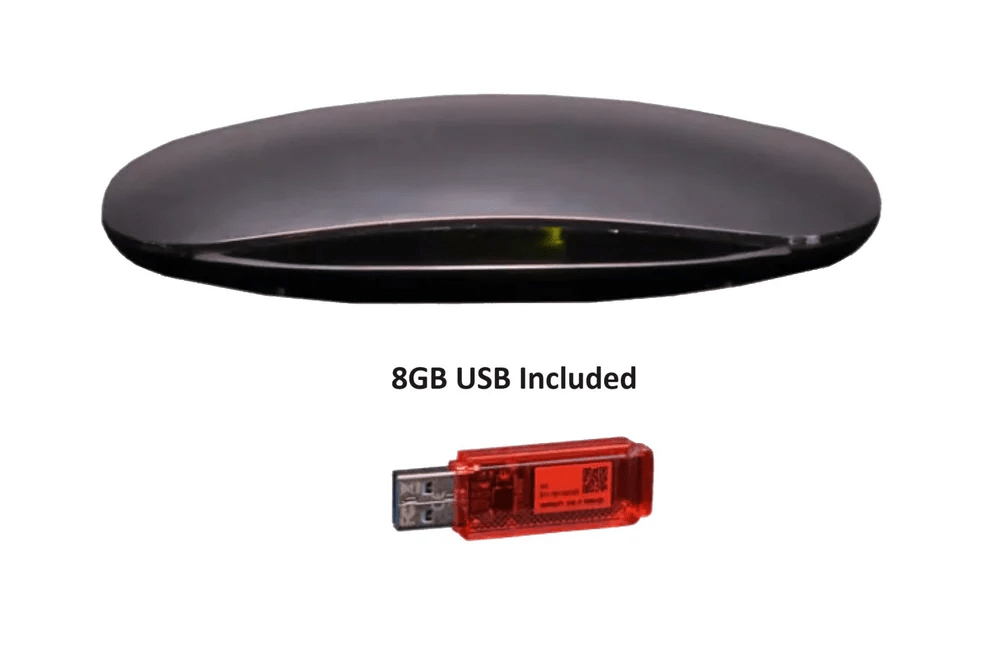
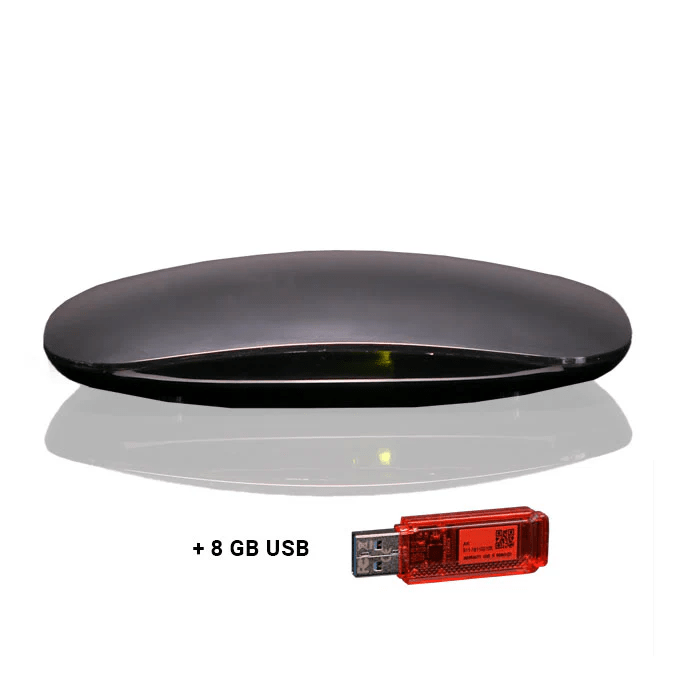
A Digital Video Recorder (DVR) is a device that allows users to record television programs and store them digitally for later viewing. Unlike traditional VCRs, which use tapes, DVRs store the recorded content on hard drives or cloud-based servers. The device connects to a TV and a cable or satellite service, enabling users to record live broadcasts or scheduled programming. This system provides flexibility by allowing users to pause, rewind, or fast-forward through recorded content. The evolution from analog to digital recording has made DVRs a staple in homes across the world, revolutionizing the way people consume media.
The Benefits of Using a DVR
One of the biggest advantages of using a DVR is the ability to record shows or events at your convenience. No longer do viewers need to worry about missing a favorite show due to scheduling conflicts. With DVRs, you can record multiple programs simultaneously and watch them at your preferred time. This flexibility in viewing enhances the overall entertainment experience. Another significant benefit is the option to skip commercials, allowing for uninterrupted viewing. DVRs give users more control over how and when they watch television.
Different Types of DVRs Available
There are various types of DVRs on the market, each suited for different needs. Some are designed to work with specific cable or satellite providers, while others can be used with over-the-air antenna systems. Basic DVRs are equipped to record standard-definition content, but there are also advanced models that support high-definition recordings. For tech enthusiasts, there are also networked DVRs that can be accessed from multiple devices within the home, offering more versatility and remote capabilities. It’s essential to choose the type of DVR that fits your television setup and recording preferences.
Features to Look for in a DVR
When shopping for a DVR, several key features should be considered. The storage capacity is crucial since it dictates how many hours of content can be recorded. Many DVRs offer hard drives with varying capacities, from 500GB to several terabytes. Another feature to look for is the recording quality, which typically ranges from standard definition to high definition. DVRs with HD recording provide superior picture quality. Other important features include the number of tuners, which allows you to record multiple programs at once, and smart features that enable integration with streaming services and other devices.
How to Set Up a DVR System
Setting up a DVR system is relatively simple, though it can vary depending on the device you choose. Typically, you will need to connect the DVR to your TV and a cable box, satellite receiver, or antenna, depending on your source of content. The DVR will then need to be configured with your television provider’s settings, including your account information. Once set up, you can schedule recordings, manage your library of saved content, and begin watching your programs. Many modern DVRs come with easy-to-follow setup instructions, making it simple for anyone to get started.
Scheduling Recordings with a DVR
One of the most convenient features of a DVR is the ability to schedule recordings. By simply selecting a program from the guide, you can program the DVR to automatically record it at the designated time. Advanced DVRs offer the option to set recurring recordings, ensuring that your favorite shows are always recorded without needing to adjust settings every time. Some devices even allow users to record shows with specific preferences, such as a certain episode or only new episodes, ensuring that they don’t fill up their storage with duplicates.
The Cost of DVRs
The cost of a DVR can vary depending on the brand, features, and capabilities. Basic DVR models may cost as little as $50, while high-end models with more storage and advanced features can run into the hundreds. Additionally, some cable and satellite providers offer DVRs as part of their service bundles, which may include monthly fees. It’s important to factor in the overall cost of ownership, including any service fees, when considering a DVR. A DVR can be a worthwhile investment for those who frequently watch television and want more control over their viewing experience.
DVRs vs. Streaming Services
In today’s digital age, streaming services have become an alternative to traditional television. However, DVRs still hold their ground as a valuable tool for those who prefer to watch content without internet buffering or relying on a subscription service. While streaming services provide on-demand content, DVRs offer the unique advantage of recording live broadcasts, including sports events, news, and shows that may not be available on streaming platforms. Additionally, DVRs do not require an internet connection, making them ideal for households with limited access to high-speed internet.
How DVRs Enhance Sports Viewing
For sports fans, DVRs are an essential tool that enhances the viewing experience. Whether you’re watching live sports or catching up on games you missed, a DVR gives you the ability to pause, rewind, or fast-forward through key moments. This functionality is perfect for skipping over unnecessary downtime, such as commercials or half-time breaks. Some DVRs also allow users to record multiple games or events at once, ensuring that they never miss a moment of the action, regardless of how many games are airing at the same time.
Common Issues with DVRs
Although DVRs are reliable, they can sometimes encounter problems. One common issue is insufficient storage space, particularly if many recordings are saved. Users may need to regularly delete old content or upgrade to a DVR with more storage. Another issue is poor signal reception, which can affect the quality of recorded programs. It’s also not uncommon for DVRs to experience glitches in the system, causing missed recordings or failure to respond to remote commands. Regular maintenance and software updates can often resolve these issues and keep the DVR functioning smoothly.
How DVRs are Revolutionizing Television Viewing
DVRs have completely changed the way we interact with television. They have given viewers greater control over their content, allowing them to pause, rewind, and fast-forward live programming. This shift has also led to the rise of “binge-watching,” where viewers can record entire seasons of a show and watch them at their own pace. With the ability to record multiple channels simultaneously, DVRs have become indispensable in households where multiple people watch different programs at the same time.
The Future of DVR Technology
As technology continues to advance, DVRs are evolving to include even more innovative features. Cloud-based DVR systems are becoming more common, allowing users to store their recordings online rather than on physical hard drives. This development offers more storage capacity and makes recordings accessible from any device with an internet connection. Additionally, voice control integration, advanced recommendations, and improved user interfaces are making DVRs even more user-friendly. The future of DVRs looks bright, with more enhancements to meet the growing demand for customizable and flexible television viewing.
Do DVRs Work with All TV Services?
Q: Do DVRs work with all types of TV services?
A: DVRs are compatible with most TV services, including cable, satellite, and over-the-air antennas. However, some DVRs are designed to work only with specific service providers, so it’s important to check compatibility before purchasing.
Can You Skip Commercials with a DVR?
Q: Can you skip commercials with a DVR?
A: Yes, one of the main advantages of using a DVR is the ability to skip commercials during recorded content. This feature makes it much easier to watch your favorite shows without interruptions.
How Much Storage Do DVRs Need?
Q: How much storage do DVRs need for recordings?
A: The storage capacity of a DVR depends on the number of programs you plan to record. Entry-level models typically have 500GB, while more advanced models can have 1TB or more, allowing for hundreds of hours of recordings.